

Claude vs ChatGPT for Business: Which AI Actually Helps Your Team in 2026?
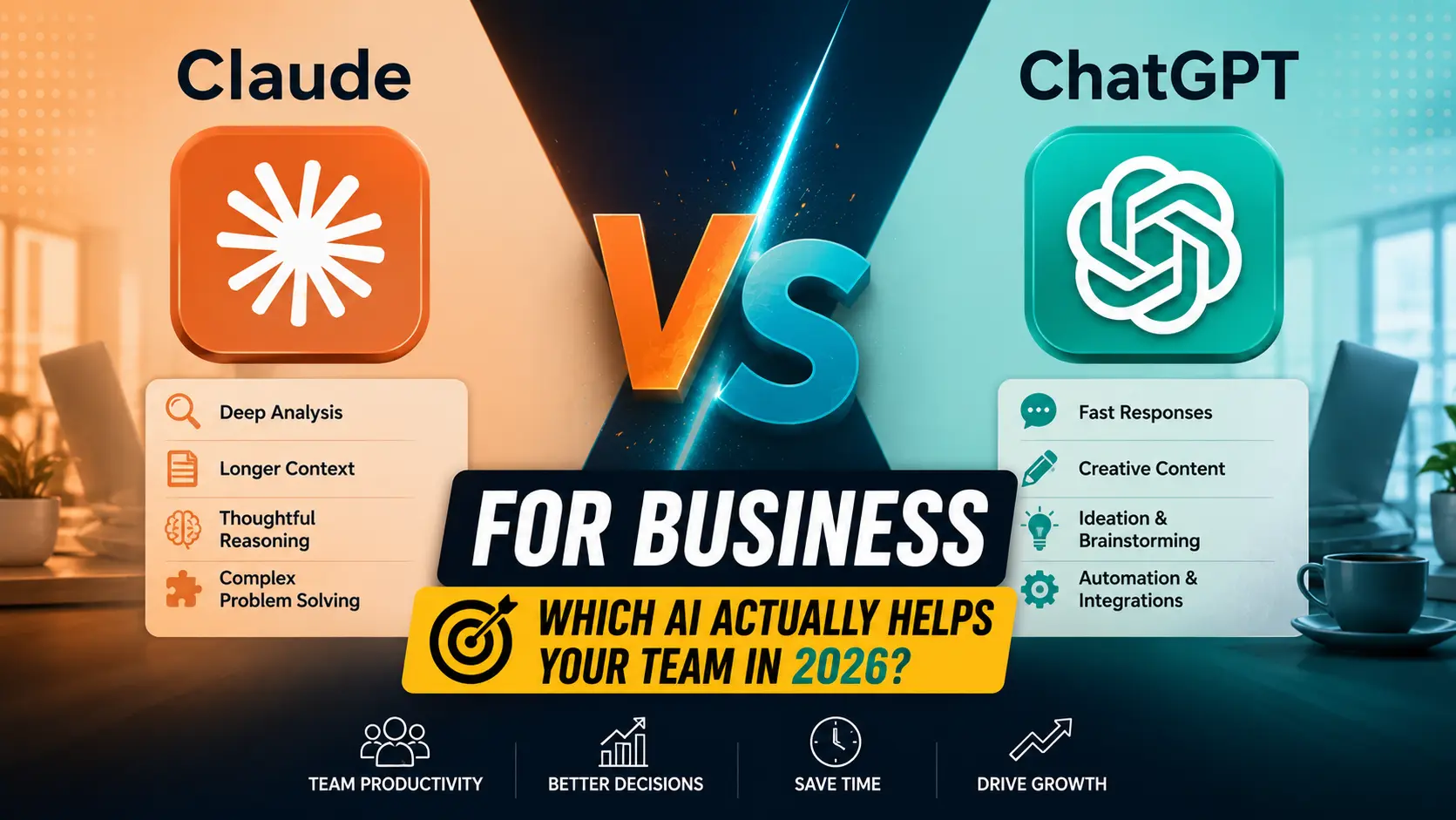
Every Ops Lead Eventually Asks This Question
Somewhere around the fourth department asking to “just get ChatGPT” or “just get Claude” for their team, whoever owns the software budget ends up having to actually answer the question properly instead of shrugging and expensing both. That’s usually how this decision gets made in practice, not through a formal evaluation, but through pressure from three different teams wanting three different things. For the wider comparison covering pricing, writing, and coding, our full Claude vs ChatGPT comparison is worth reading first if you haven’t already.
This isn’t about which model is smarter in the abstract. It’s about which one fits how your business actually runs day to day, who’s using it, and for what. Ten people running an agency need something completely different than two hundred people running ops. Which one are you? That decides more of this than anything else in the piece.
Customer Support and Internal Help Desks
Drop your full return policy, forty pages of edge cases and exceptions, into both tools and ask them to answer a tricky customer question buried somewhere in page thirty-one. Claude tends to actually find it and reason through the exception correctly. ChatGPT does fine with shorter policy documents but starts losing the thread once you’re pasting in something that long, unless you’re on a plan with enough context room to spare.
Where ChatGPT pulls ahead is breadth of integration. The GPT Store has no shortage of pre-built support assistants, and plugging into existing helpdesk software tends to be a more mature process simply because more of the ecosystem has been built around it. If your support team needs something running by Friday with minimal engineering time, that matters more than which model reasons better about an edge case.
Contracts, Reports, and Long Internal Documents
This is where the context window conversation actually shows up as a business problem instead of a spec sheet number. Vendor contracts, SOPs, quarterly reports, they’re long, and half the value of using AI on them comes from the tool actually holding the whole document in mind rather than skimming the first third and guessing at the rest.
I’ve watched a finance team paste an entire vendor agreement into ChatGPT and get a summary that quietly missed a renewal clause buried on page nine. The same document in Claude caught it, flagged the auto-renewal date, and asked whether they wanted a reminder drafted. That’s not a universal law, results vary by document and by how the question gets asked, but it’s a pattern that’s shown up often enough across contract review sessions that it’s worth mentioning here.
Shorter stuff, one-pagers, quick policy updates, a memo nobody’s reading twice anyway, honestly just use whichever one’s already open on your screen.
Meeting Notes, Summaries, and Internal Communication
Feed either tool a messy transcript and you’ll get something readable back. Neither has a real edge on the basic “summarize this call” ask. Where it gets interesting is stringing meetings together over a week. Paste in Monday’s standup notes plus Wednesday’s client call plus Friday’s retro, and ask what’s actually changed since Monday. Claude tends to track that thread better across multiple documents pasted into one conversation.
ChatGPT’s voice mode is genuinely useful here too, dictating a quick recap between meetings while walking to the next one is a real workflow, not a demo feature, and it’s one place ChatGPT Plus earns its subscription cost on its own.
Data Analysis and Spreadsheet Work
ChatGPT’s data analysis tooling, the one that runs actual code and spits out charts, is more mature for this specific job. Upload a CSV, ask for a breakdown by region, get a chart back in the same message. That’s a real workflow advantage for anyone who needs a visual deliverable quickly and doesn’t want to open Excel.
Claude can reason through the same data conceptually, pivot table logic, what a weird spike in the numbers probably means, but it’s less built for handing you a finished chart in one step. For a team that needs quick answers about what the numbers say, either works. For a team that needs the polished chart itself, ChatGPT currently has the edge.
Automation and Building Internal Tools
Both tools write serviceable Zapier steps, Make.com scenarios, and small internal scripts. The difference tends to show up at the debugging stage, not the first draft. Ask either one to build a simple automation and you’ll get something workable in minutes. Ask what’s wrong when it breaks at 2am and only fires intermittently, and Claude’s habit of actually reasoning through the failure case instead of guessing at a fix tends to save more time than it costs.
For non-technical staff trying to get something running without looping in engineering, ChatGPT’s ecosystem of pre-built GPTs and plugins usually gets there faster, purely because more of the groundwork already exists for common tools like Slack, Notion, and the usual CRM suspects.
Security, Compliance, and Data Handling
This is the section where I’d rather point you to the actual source than guess. Data retention windows, whether your conversations train future models, admin console controls, these terms change, and both companies update their enterprise agreements periodically. Don’t take a blog post’s word for what’s true today. Pull up the current business or enterprise terms directly from Anthropic and OpenAI before signing anything, and if your industry has specific compliance requirements, healthcare, finance, legal, get that answer from your own counsel rather than from either company’s marketing page.
What I can say generally: both offer business-tier plans with admin controls, and both have moved toward giving business customers more say over how their data is handled than what you’d get on a personal account. The specifics of who gets what, though, is worth confirming fresh rather than assuming last year’s terms still apply.
The Bottom Line for Business Teams
Most businesses past a certain size end up paying for both, the same pattern that shows up across pricing, writing, and coding use cases too. Support and ops teams handling long documents and messy edge cases lean toward Claude. Need fast visual output, broad integrations, or non-technical staff building their own small tools? That’s ChatGPT’s crowd. Force the whole company onto one tool just to keep licensing tidy, and you’ll usually spend more fixing workarounds than you saved on seats.
So who buys first? Whichever team is complaining loudest right now about a specific, real gripe in their actual workflow. Let that real use case make the call instead of a policy decided in a boardroom somewhere, then expand once you’ve seen what actually sticks for them.
A Few Things People Ask Before Making This Call
Q1: Which AI is better for customer support automation?
Honestly, comes down to document length before anything else. Long, exception-heavy policy documents tend to hold together better in Claude. Fast setup with existing helpdesk integrations tends to favor ChatGPT, especially if you don’t have engineering time to spare on the integration work.
Q2: Can I trust either tool with sensitive business data?
Check the current business or enterprise terms directly from each company before assuming anything, those terms have changed before and will likely change again. Both offer business plans with more data controls than the free consumer versions, but the exact details are worth confirming fresh rather than relying on outdated information.
Q3: Do we need separate subscriptions for different departments?
Not necessarily at first. A lot of teams start with one tool for one loud use case, then add the second once a different department hits a wall the first tool doesn’t solve well. Buying both upfront for a company that hasn’t identified its actual use cases yet usually just means paying for seats nobody opens.
Q4: Which one is easier for non-technical staff to adopt?
ChatGPT usually wins this one, more pre-built GPTs to borrow from, and a gentler on-ramp for someone who’s never opened an AI chat window before in their life. Claude isn’t hard to learn either, not even close. ChatGPT just has more shortcuts already built for the common non-technical stuff, so people get there faster on day one.
Q5: Is the API cheaper than business per-seat plans at scale?
It can be, but only if you have someone who can actually build and maintain the integration. Per-seat plans include the interface and support, API access is just the model, you’re responsible for everything wrapped around it. Run the math on your actual expected usage before assuming either direction is obviously cheaper.
