

AI Automation for Small Business (2026): What It Actually Does and Whether You Need It
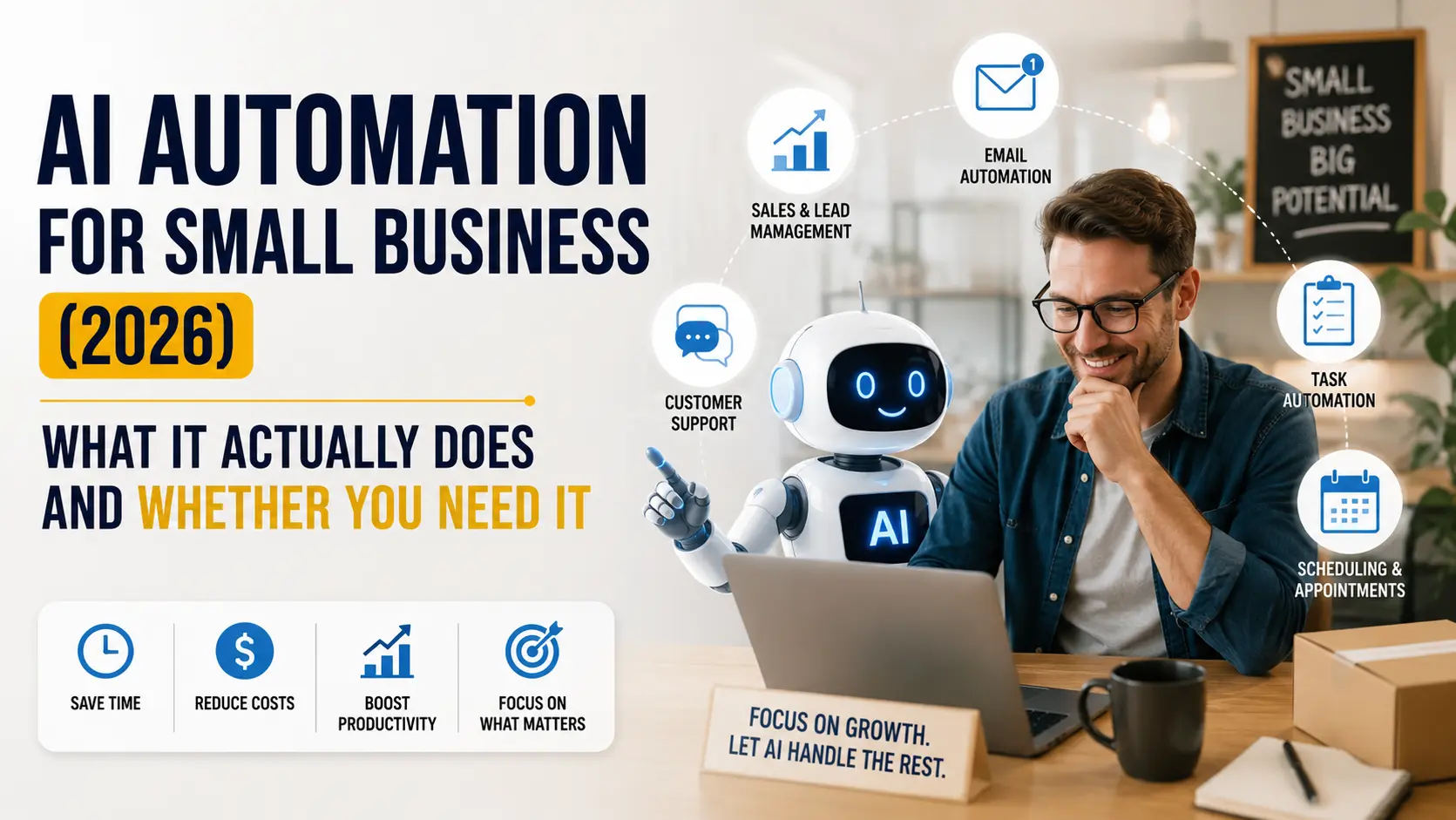
Every year or so, “automation” gets a new coat of paint. Right now that coat is AI, and there’s a lot of noise between what enterprise reports are predicting for 2026 and what a five-person shop can actually use on a Tuesday afternoon. PwC’s latest predictions talk about companies building centralized “AI studios” and agents automating finance, HR, and tax workflows. Redwood Software’s outlook talks about ERPs evolving into “systems of action.” That’s all real, and it’s all aimed at companies with IT departments and dedicated automation teams, which most small businesses don’t have.
This isn’t meant to hype up some imminent AI takeover of your business. Consider this the practical version: what these tools genuinely handle right now, where they come up short, what you’d actually pay, and how to figure out if it’s worth bothering with before spending anything.
What “AI Automation” Actually Means
Traditional automation is rule-based. If this happens, do that. Zapier-style tools have worked this way for years, and they’re still the right choice for repetitive, well-defined tasks, moving a form submission into a spreadsheet, sending a reminder email on a schedule. The problem shows up the moment something falls outside the rule. A traditional automation doesn’t know what to do with an invoice formatted slightly differently, or a customer email that doesn’t match any of your templates.
AI automation slots a language model into that gap. Rather than just silently failing when nothing matches, it actually reads the email, figures out what’s being asked, and either drafts a reply or sends it somewhere that makes sense. It’s not running your business on its own, it’s handling the interpretation step that used to require a person to stop and think for thirty seconds.
This is also where the terminology gets muddy. In 2026, what most small businesses are really running is AI automation, a scripted process where one or two steps hand judgment calls off to an AI. An AI agent is a bigger ask altogether, something that maps out a multi-step task on its own and decides what comes next with barely any human hand-holding. Plenty of tools market themselves as “agents” when what they’re actually running is closer to automation with an AI step bolted on. Worth knowing the difference before you pay for either one.
What It Can Actually Do For a Small Business Right Now
The genuinely useful cases tend to cluster around drafting and sorting, not deciding and acting.
Customer service is the easiest example to point to. It can sort incoming support messages by urgency or topic and write a rough first reply that a person then edits before it goes out. The tricky cases still need a human, but clearing out the easy 70% fast enough means the tricky ones actually get proper attention.
On the admin side, pulling line items off an invoice or receipt into a spreadsheet, something that used to mean manual data entry, is now something these tools do reliably enough to trust with a spot check. Scheduling is similar: reading a messy email thread and proposing meeting times that actually work for everyone involved.
Marketing teams (or the one person doing marketing at a small company) use it for first drafts, social captions, product description variations, an outline for a blog post, all things a person still needs to edit before it goes out, but the blank page problem mostly disappears.
Inventory is a quieter use case: flagging when stock patterns suggest a reorder is coming up, based on sales history, rather than someone checking a spreadsheet every Monday.
What It Still Can’t Do
It doesn’t handle exceptions gracefully without someone checking the output. It doesn’t understand context beyond what you feed it, if a longtime client has an unusual arrangement that isn’t written down anywhere, the automation won’t know that. And it doesn’t replace the actual relationship-based parts of running a small business, the sales conversation, the tricky client call, the judgment about which corners are safe to cut this week and which aren’t.
Redwood’s framing of this is the right one for small business owners too: the realistic outcome isn’t replacement, it’s amplification. The automation handles the repetitive middle so the person doing the job can spend more of their actual time on the parts that need a human.
What This Actually Costs a Small Business
Costs vary a lot here, and most of what’s available is cheaper than people assume. You can build a surprising amount for free, or close to it, just by connecting something you already use, email, a spreadsheet, a calendar, to an AI model through Zapier or Make. You’d only pay for API calls, and for a small operation that’s often a few dollars a month. If you want a more polished platform with actual support behind it, expect somewhere between $20 and a few hundred a month depending on how much volume you’re running.
The cost that doesn’t show up on a pricing page is time, time to set the thing up properly, time to check its output for the first few weeks, time to fix it when a vendor changes an email format and the automation stops recognizing it. Budget for that as much as the subscription fee. And you don’t need the enterprise-grade orchestration platforms that show up in the big consulting reports, those are built for coordinating dozens of agents across a large company, not for one small business automating its invoice intake.
How to Decide If You Actually Need It
Forget “everyone’s doing AI, we should too.” Ask instead whether the task is repetitive, mostly rule-based, with maybe a little judgment thrown in. Check whether there’s enough volume for the time saved to actually count, versus automating something that only comes up twice a month regardless. It will get something wrong eventually, so ask whether you’d notice before it costs money or hurts a client relationship.
Once a task clears all three filters, pilot it on that single process rather than rolling it out office-wide. Supervise it closely for the first few weeks, and plan on tweaking the first version once real, messy input replaces the clean test cases.
Risks Worth Watching
Security is the one to take seriously before anything else. If an automation touches customer data, financial records, or email, know exactly where that data goes and who else can see it, some tools train on your data by default unless you opt out. Read the terms before connecting anything to sensitive systems.
Over-reliance is the quieter risk. Unchecked errors quietly stack up. A few mis-tagged urgent tickets a week seem minor, until three months later you count up all the customers who waited far too long for a reply.
Every industry report right now brings up the workforce question, but for a small business it’s less about cutting staff and more about whether the person drowning in repetitive admin finally gets time for the parts of their job that actually need a human.
Getting Started Without Overhauling Everything
Choose one low-stakes, repetitive process to begin with, leave your most important client-facing work alone for now. Piece it together with tools you’re already paying for rather than jumping straight into a new subscription. Let someone review the output for a few weeks first, don’t cut that human check too soon. If it holds up, expand from there. If it doesn’t pan out, the damage is a few wasted hours, not a lost client.
Frequently Asked Questions
Q1: Does AI automation mean an AI agent is effectively running my business?
No. Most of what’s sold to small businesses in 2026 is AI automation, a scripted process where an AI step handles judgment calls, not a fully independent agent making its own decisions. Marketing copy tends to use the terms interchangeably, but the real gap in capability between them is substantial.
Q2: What’s the cheapest realistic way for a small business to give AI automation a try?
Wire up something you already have, an inbox, a spreadsheet, a form, to an AI model using Zapier or Make. You’ll pay for API usage rather than a platform subscription, which for a small operation often costs a few dollars a month while you test whether it’s actually useful.
Q3: Is AI automation going to replace my staff?
For most small businesses, what actually happens is existing staff get freed from repetitive admin, not replaced outright. It tends to be genuinely useful precisely on the tasks no one enjoyed doing to begin with.
Q4: What tells me whether an AI automation tool is safe with my business data?
Find out whether the vendor trains its models on your data by default, and whether opting out is actually possible. Go through the data retention policy before you connect anything touching customer information or financial records, and evaluate a new tool on a process that keeps sensitive data out of it at first.
Q5: Will I need a developer to get this running?
Not for the basic version. Zapier, Make, and similar small-business platforms are designed for people who don’t code, leaning on drag-and-drop workflow builders instead. Bringing in a developer only starts to make sense once things get more complex or you’re linking multiple systems, not something you’ll need at the outset.
