

Silhouette vs Cricut for Sticker Business: Which Is Better?
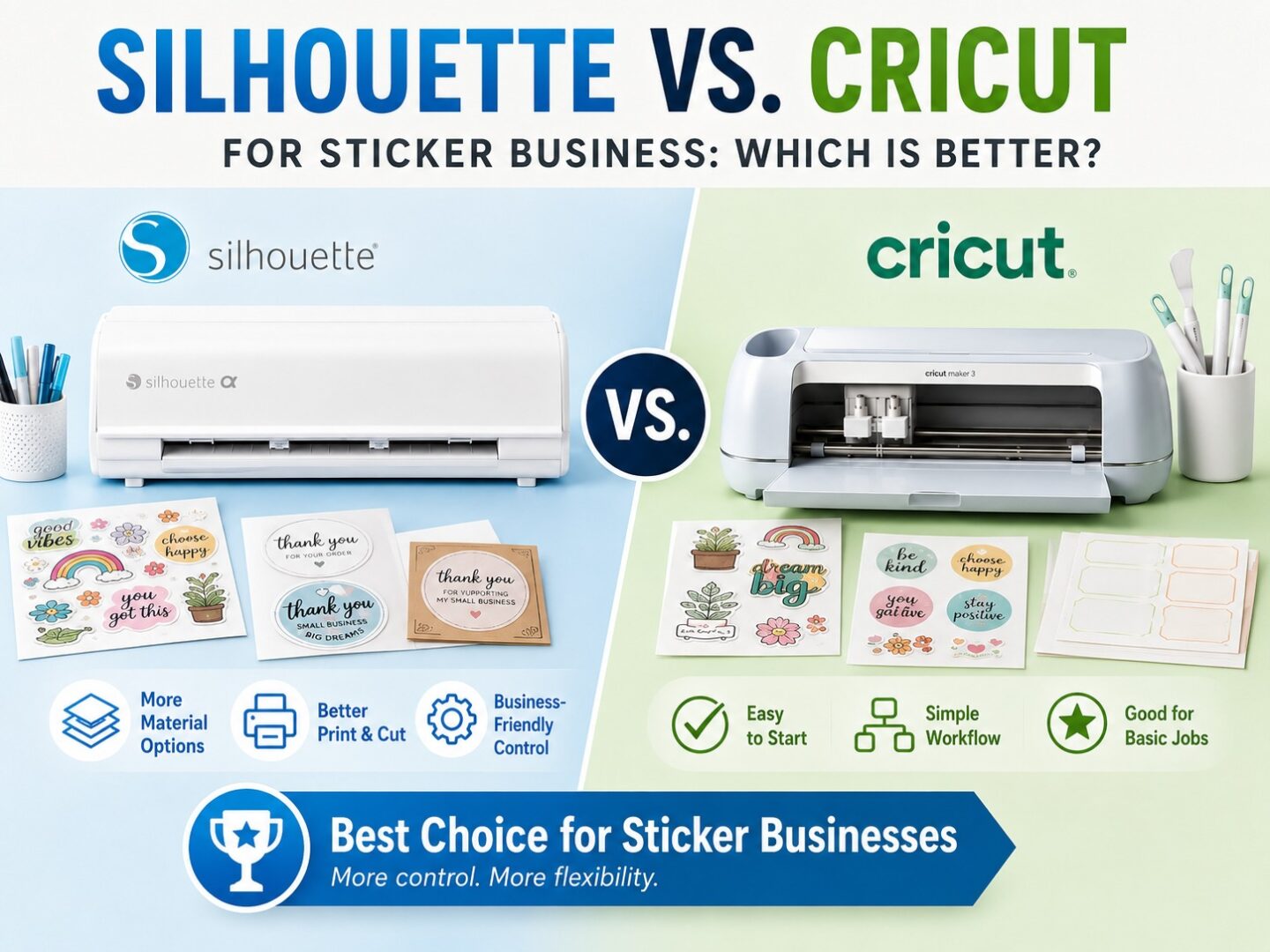
A sticker business can begin with something as simple as a printer, a cutting machine, and a great idea. But once orders start arriving, the requirements quickly change. Accurate cut lines, efficient sticker-sheet layouts, easy design editing, consistent Print & Cut results, and reduced material waste all start affecting profitability.
That makes choosing between Silhouette and Cricut more than a hobby-crafting decision.
Both ecosystems can produce stickers and labels. Cricut offers an approachable Print Then Cut workflow, while Silhouette America provides a particularly compelling setup for sticker entrepreneurs who want deeper control over design preparation, customization, and production.
For creators planning to turn stickers into a serious side hustle or growing business, here’s what matters.
What Does a Sticker Business Need From a Cutting Machine?
Making one sticker sheet for yourself is very different from fulfilling customer orders every week.
A sticker business needs a workflow that can handle:
- Kiss-cut sticker sheets
- Die-cut stickers
- Product labels
- Packaging seals
- Logo stickers
- Planner stickers
- Personalized designs
- Small production runs
Accuracy matters, but so does everything that happens before the machine starts cutting.
The more control you have over artwork, offsets, spacing, layouts, and cut lines, the easier it becomes to build a repeatable workflow.
Print & Cut Is at the Heart of Sticker Production
Most colorful sticker businesses rely heavily on a Print & Cut workflow.
You create the artwork digitally, add registration information, print the page using a compatible printer, and then have the cutting machine detect the printed registration marks before cutting around each design.
Both Silhouette and Cricut support this general process.
For a business, however, the important question isn’t simply “Can it Print & Cut?”
It’s “How much control do I have over preparing my stickers?”
That’s where Silhouette becomes particularly attractive.
Silhouette Studio® Gives Sticker Designers More Control
Silhouette Studio® provides a design environment where creators can prepare and modify artwork rather than simply arrange finished images.
Sticker makers can use its tools to work with:
- Offsets
- Cut lines
- Tracing
- Layers
- Object alignment
- Page layouts
- Typography
- Vector editing
- Registration settings
Suppose a customer sends you a logo that needs to become a die-cut sticker. You may need to trace the artwork, clean up the cut path, create a border, resize the design, and arrange multiple copies on a sheet.
Being able to handle these steps within Silhouette Studio® can make the production process more flexible.
Better Offsets Can Mean Better-Looking Stickers
That familiar white border around a sticker may look simple, but it plays an important role in the finished product.
Borders can help detailed artwork stand out and give the cutter a practical path around complicated illustrations.
Silhouette Studio® provides offset tools that allow creators to build borders around artwork and adjust them according to the project.
This is useful for:
- Die-cut character stickers
- Logo stickers
- Illustrated products
- Custom name stickers
- Planner graphics
For a sticker seller, having detailed control over the cut boundary makes it easier to develop a consistent visual style across a product collection.
What About the Cameo 5 Alpha?
For sticker businesses considering current Silhouette hardware, the Cameo® 5 Alpha deserves particular attention.
Silhouette’s updated four-point registration technology is designed to improve Print & Cut registration by checking all four corners of the printed registration area. This can help the system account for distortions that may occur during printing.
That matters when you’re working with valuable sticker paper and carefully prepared artwork.
A slightly misaligned hobby project is frustrating. Repeated misalignment across sellable inventory can mean wasted ink, material, and production time.
For businesses where Print & Cut is a core workflow, improvements focused specifically on registration can therefore be meaningful.
Sticker Sheet Layouts Affect Profitability
Sticker businesses don’t only need accurate cuts. They need to think about how much sellable product fits on each printable sheet.
Poorly arranged artwork can leave unnecessary empty spaces.
Silhouette Studio® gives makers detailed control over object placement, sizing, duplication, and page layouts. More advanced editions add additional capabilities that can become useful as production requirements grow.
This allows sellers to think beyond individual stickers and optimize the complete sheet.
Even small material savings can become meaningful when you’re printing and cutting hundreds of sheets.
Personalization Is Easier with Flexible Design Tools
Custom stickers can be an excellent way to differentiate a small business.
Customers may request:
- Names
- Business logos
- Wedding dates
- Custom messages
- Event graphics
- Personalized labels
These orders require frequent changes to artwork.
Silhouette Studio® makes it possible to modify text, dimensions, layouts, offsets, and other design elements without rebuilding every product from scratch.
A seller can create a reusable template and then adapt it for different customers.
That makes Silhouette especially appealing for businesses where personalization is part of the product rather than an occasional request.
The Silhouette Design Store Can Spark New Product Ideas
Running a sticker business also means continually developing fresh products.
The Silhouette Design Store provides access to a large selection of digital artwork, fonts, Print & Cut designs, patterns, and other creative resources.
These assets can help inspire:
- Seasonal sticker collections
- Teacher stickers
- Planner themes
- Holiday labels
- Gift packaging
- Small-business branding
- Event designs
You can bring suitable designs into Silhouette Studio® and customize them for your project.
If you’re creating products for sale, however, always check the applicable commercial licensing terms for each design. Purchasing artwork does not automatically mean every type of commercial use is included.
Cricut Can Still Work Well for Sticker Sellers
Cricut shouldn’t be dismissed.
Its Print Then Cut workflow can be a good option for makers who value a streamlined interface and don’t require extensive editing within their cutting software.
For someone selling relatively straightforward sticker products from finished artwork, Cricut may provide everything needed.
The difference becomes clearer when the business requires frequent customization, detailed cut-path editing, sophisticated layouts, or more control over how artwork is prepared.
In those situations, Silhouette’s software flexibility can become a significant advantage.
What Happens When Your Sticker Business Grows?
Your first month may involve ten orders.
Eventually, you might need to produce dozens of sticker sheets, personalized labels, and packaging graphics in a single day.
Growing businesses need workflows that can scale with them.
Silhouette offers multiple editions of Silhouette Studio®, allowing users to begin with the free Basic Edition and move toward more advanced functionality as their requirements develop.
Silhouette Studio® Business Edition adds capabilities intended for more demanding creative and production workflows, including features such as automatic nesting and multi-cutter support.
You don’t need those features to sell your first sticker.
The advantage is knowing they’re available if your business reaches the point where production efficiency matters more.
Silhouette or Cricut: Which Is Better for a Sticker Business?
The answer depends on how you plan to operate.
Cricut may suit you if you:
- Prefer a streamlined interface
- Mostly use finished artwork
- Make stickers occasionally
- Need relatively simple project preparation
Silhouette may be better if you:
- Create stickers regularly
- Want deeper Print & Cut control
- Frequently customize artwork
- Need precise offsets and cut lines
- Create personalized customer orders
- Want greater layout flexibility
- Plan to expand production
- Want software that can grow alongside your business
For serious sticker entrepreneurs, the second group of requirements tends to become increasingly important.
Why Silhouette Makes Sense for Sticker Entrepreneurs
The strongest reason to choose Silhouette for a sticker business isn’t one isolated feature.
It’s the complete workflow.
You can discover creative inspiration through the Silhouette Design Store, develop and refine artwork using Silhouette Studio®, and bring those designs into the physical world with a Silhouette cutting machine.
With a machine such as the Cameo 5 Alpha, businesses can also benefit from Silhouette’s continued focus on improving Print & Cut registration; an area directly relevant to sticker and label production.
That combination provides both creative freedom and practical room for growth.
Final Thoughts
The best cutting machine for a sticker business isn’t necessarily the one that helps you make your first sticker fastest.
It’s the one that helps you make your hundredth order efficiently and consistently.
Cricut can provide an approachable workflow for sticker creation, particularly for makers who prefer straightforward project preparation. But when customization, cut-line control, page layouts, Print & Cut workflows, and future production needs become priorities, Silhouette offers a stronger long-term proposition.
With the Cameo® 5 Alpha, the design capabilities of Silhouette Studio®, and creative resources available through the Silhouette Design Store, sticker entrepreneurs have an ecosystem that can support them from their first experimental sheet to an expanding catalog of sellable products.
For a sticker business, every sheet of material has a cost; and every great design has potential. Silhouette gives you greater control over both.
