

Grammarly AI Writing Assistant: Features, Benefits and Best Uses
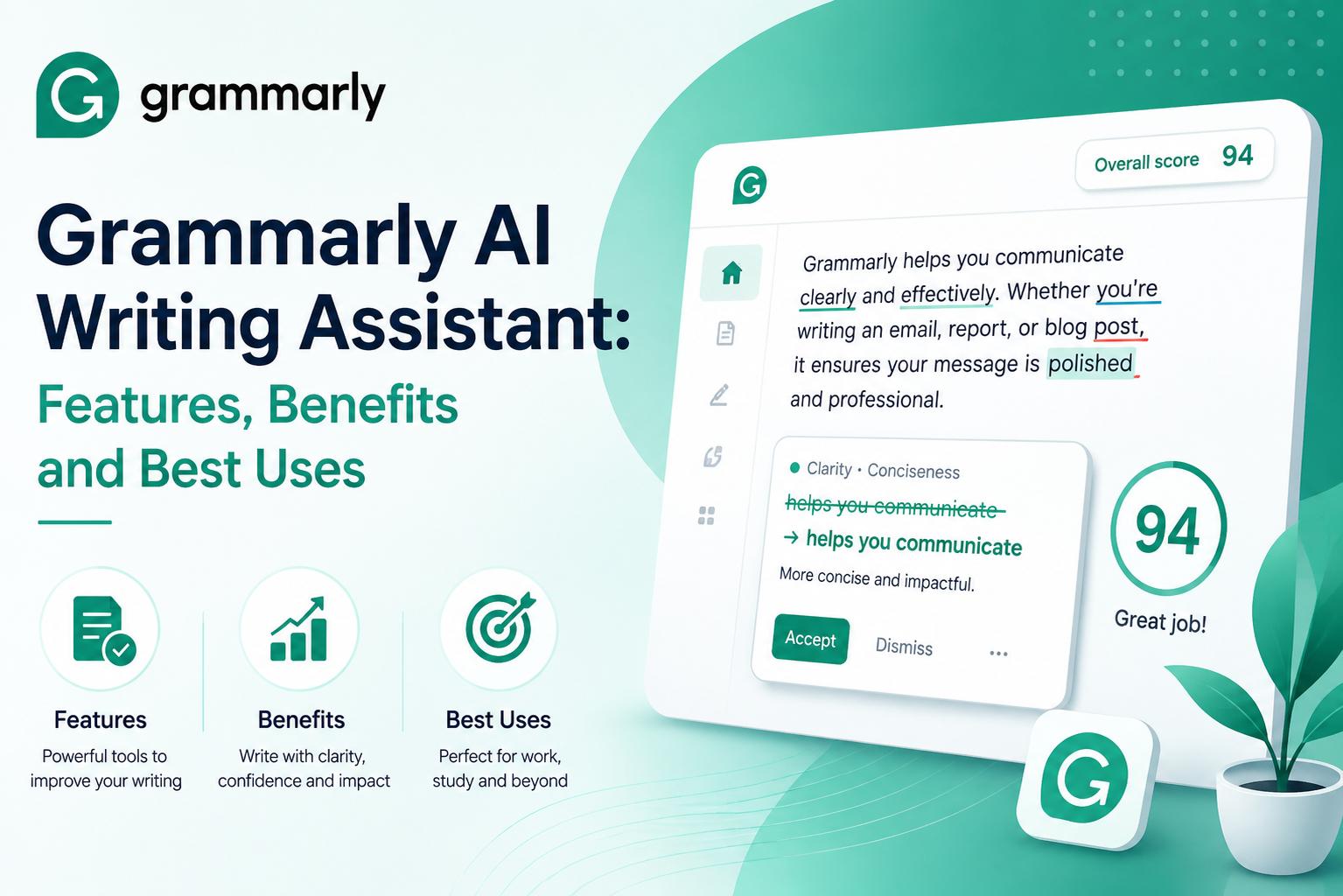
Grammarly is an AI writing assistant that checks your text for grammar, clarity, tone, and originality as you type. It plugs into thousands of apps and is used by more than 40 million people a day.
In simple words, it’s a platform that saves you from sending an email with a glaring typo in the first line.
Key Points
- Grammarly fixes grammar, tone, clarity, and plagiarism, all in one place.
- It started back in 2009 and now has 40 million-plus daily users.
- Works in your browser, apps, email, Google Docs, and Word.
- There’s a free plan and a paid one; Premium runs $12 a month.
- GrammarlyGO is its generative AI that drafts, rewrites, and brainstorms for you.
What Exactly is Grammarly?
Grammarly was launched in 2009 and built by three Ukrainian developers—Max Lytvyn, Alex Shevchenko, and Dmytro Lider. Back then it was a paid grammar checker with one job: help students stop accidentally plagiarising and clean up their basic writing.
It has changed a lot since then. As Wikipedia describes it, the tool grew from a spell-checker into a full-blown AI communication platform. And it’s caught on — Grammarly’s own numbers show it now helps over 40 million people every single day.
How Does it Actually Work?
Niotechone states that Grammarly runs on Natural Language Processing, which lets it catch mistakes in context, not just word by word. Its machine-learning models have chewed through billions of sentences, which is how it hits accuracy north of 98%.
There’s tone analysis reading the mood of your writing and a plagiarism engine that scans over 16 billion web pages. It all runs in the cloud, so your fixes follow you from laptop to phone in a blink.
The Grammarly AI Features People Use
Grammarly packs several tools into one clean platform:
- Grammar and syntax check: It catches dangling modifiers, subject-verb agreement, and the punctuation slip-ups most of us miss.
- Tone adjustment: It reads whether you sound formal, friendly, or confident, then nudges you if you’re off. Gmelius makes the point that the tool helps your message land with whoever’s reading it.
- GrammarlyGO: It is a generative AI that rolled out in March 2023. It’ll draft an email, summarise a long doc, or rewrite a clunky paragraph in a click.
- Plagiarism and citation: This tool checks your work is original and helps you cite sources properly.
- Vocabulary and clarity: It trims wordy lines and offers fresh word choices.
Free vs Premium: Is It Worth Paying?
You get two versions. The free plan handles your everyday grammar and spelling, plus 100 goes on GrammarlyGO — honestly, for many people, that’s plenty. Premium is $12 a month, or $140 if you pay yearly.
Location Rebel, a freelancing blog, reckons the upgrade is worth it because you get vocabulary boosts, full-sentence rewrites, tone control, and the plagiarism checker. If you write for a living, those extras add up fast.
Why Bother Using It?
Plenty of reasons, but the ones that matter most:
- It saves you time: Real-time fixes mean less squinting at your own work afterwards.
- You learn from it: Every suggestion explains the why, so your writing slowly gets sharper.
- It works everywhere: One plugin covers email, social media, and documents.
- It gives You confidence: You hit send without that “wait, did I spell that right?” panic.
- Protects originality: It keeps you honest with that originality check.
Limitations to Keep in Mind
No tool is flawless, and this one’s no exception. A contrary research profile lays out how quickly Grammarly has scaled, but it still has its flaws. It loves to over-suggest, sometimes flattening your voice into something that isn’t quite you. It can trip over slang, jokes, or creative lines.
The Premium price stings a bit if you’re a student. And since your text gets processed in the cloud, anything sensitive or legal is worth keeping out of it. Better, it even mentions that the tool watches how often you ignore its tips and then uses that to tweak future suggestions.
Its AI detector is the weakest link. FLTMAG, an ed-tech magazine, warns that accepting every suggestion on autopilot can strip the life out of your writing. And Emerging Tech Brew reported that most AI detectors, this one included, just aren’t as accurate as the marketing claims. So treat that feature with caution.
A Few Things You May Not Know
Early on, the team built its values around the word EAGER — Ethical, Adaptable, Gritty, Empathetic, and Remarkable. Those “Writing’s not that easy, but Grammarly can help” ads? They turned into a full-on internet meme, with people quoting them ironically all over YouTube and X. And the company’s been busy lately.
It snapped up Coda and the email app Superhuman, then rebranded its parent company as Superhuman in late 2025. The Grammarly product keeps its name, though. Among all the writing tools out there, it’s still one of the most trusted.
Frequently Asked Questions
- Is Grammarly free to use?
Ans: Yes, there’s a solid free plan covering grammar, spelling, and basic checks. Premium is $12 a month and adds rewrites, tone control, and plagiarism detection. - Is Grammarly safe to use?
Ans: Mostly, yes. It encrypts your data and stores it securely in the cloud. Just avoid pasting anything very confidential or legal, since it’s processed online. - Does Grammarly work with Google Docs and Word?
Ans: It does. Grammarly slots right into Google Docs, Microsoft Word, browsers, email, and even your phone keyboard through an extension or app. - Can Grammarly detect AI writing?
Ans: It has an AI detector, but don’t bank on it. Like most of these tools, it can wrongly flag human writing as AI, so use it as a rough guide only. - Is Grammarly Premium worth it?
Ans: If you write a lot — as a freelancer, marketer, or student with deadlines — then, yes, it is worth it. The tone, vocabulary, and rewrite tools genuinely help. Casual users are usually fine with free. - What is GrammarlyGO?
Ans: It’s Grammarly’s generative AI feature. Give it a prompt and it’ll draft, rewrite, or brainstorm text for you — a lifesaver when writer’s block hits.
Sources & References:
- Location Rebel – Premium features of Grammarly AI boost vocabulary, rewrite full sentences, control tone, and check for plagiarism.
- Gmelius – It can also adjust the tone of your writing.
- Niotechone – Grammarly runs on Natural Language Processing
- FLTMAG – Accepting every suggestion on autopilot can strip the life out of your writing.
