

Canva AI Tools for Design, Content Creation and Marketing
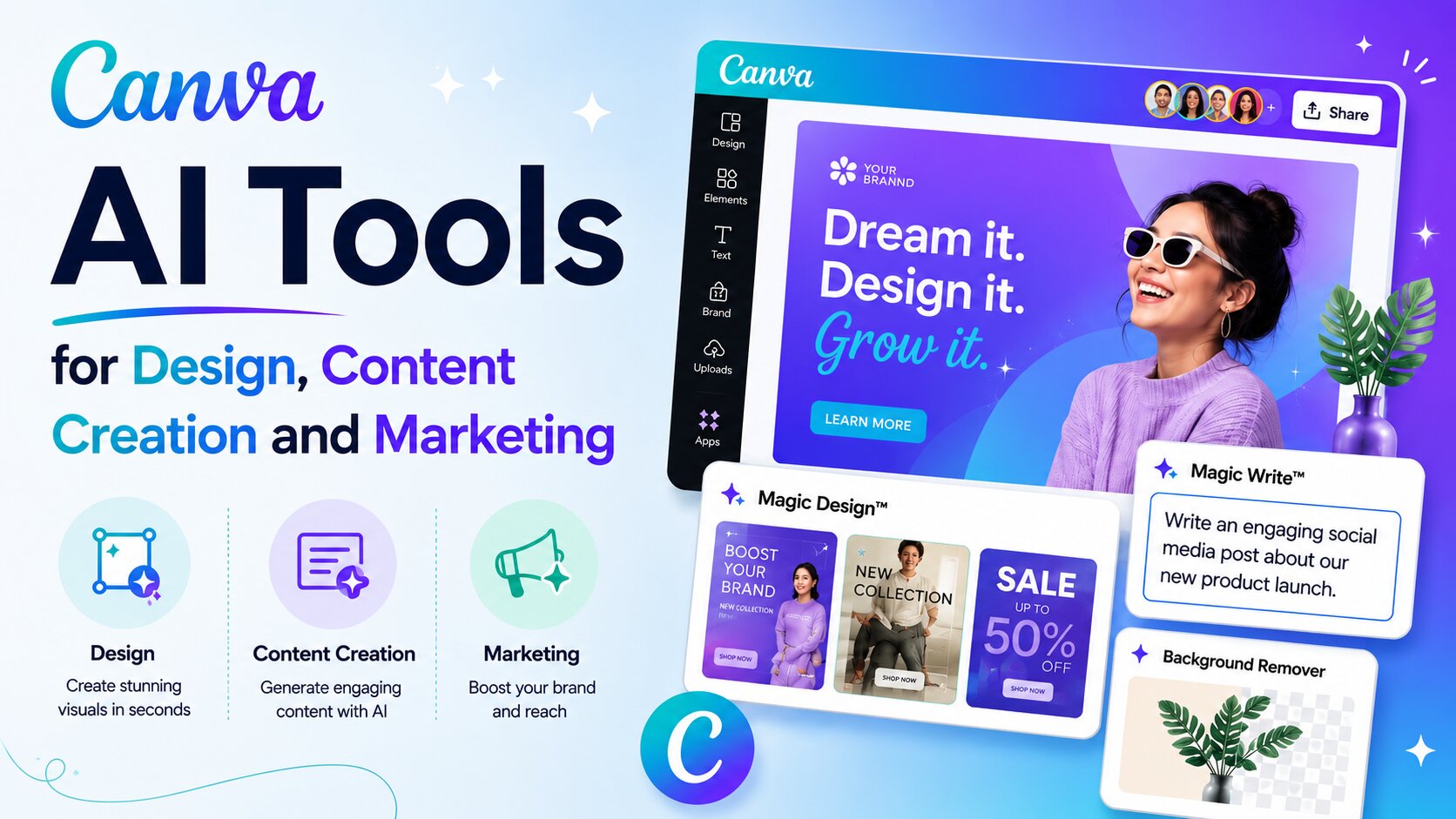
Canva AI is a set of generative AI tools built right inside Canva. It writes copy, makes images and videos, builds slide decks, and edits photos from a plain text prompt. All of it exists under one roof called Magic Studio, so you skip juggling separate apps for each job.
Key Points
- Canva AI tools handle design, writing, images, video, and data in one place.
- Most run on a quick text prompt, so you need no design skills.
- The full suite is called Canva Magic Studio.
- Free plans give a taste; Pro unlocks the best features.
- It saves real time but still needs a human check.
What is Canva AI?
Canva launched back in 2013 as a simple drag-and-drop design site. In 2023 it added Magic Studio with one-click background removal and early text generation. By April 2026 it grew into Canva AI 2.0.
Now it can build whole presentations, websites, and interactive pages from a single prompt. Think of it as a creative partner, not just a button you press.
Top Canva AI Tools You Should Know
These AI design tools live inside the editor and work in seconds:
- Magic Design: Type a few words like “spring sale flyer” and get ready-made layouts. Upload a logo, and it carries your colours across posts, cards, and slides.
- Magic Write: An AI writing helper inside Canva Docs. It drafts captions, blogs, and emails. One-click buttons like ‘Shorten’, ‘Rewrite’, and ‘More formal’ switch the tone fast.
- Dream Lab: Canva’s main AI image generator. It runs on Leonardo. Ai’s Phoenix model turns text into photos, art, or 3D scenes. The older Magic Media text-to-image tool still works too.
- Magic Edit & Eraser: Brush over an object to remove it, or swap it for something new. Shadows and lighting stay intact.
- Magic Grab & Expand: Lift a subject and move it, or stretch a photo to fill space.
- Magic Switch: Resize and reshape one design into many formats, like a poster into an Instagram square.
- Magic Animate: Add smooth motion to text and elements with a single click.
Video, Audio, Sheets and Code
Canva AI goes well past static images. A walkthrough from Jotform shows how Magic Write can script a video while Magic Design builds the storyboard. Video now uses Google’s Veo 3, which adds voice and sound effects. Beat Sync matches your clips to the music, and Enhance Voice strips out background noise.
There are also more features. Canva Sheets, released in May 2025, works like a smart spreadsheet. Magic Charts visualise data, Magic Insights answer questions about it, and Magic Formula turns plain words into real formulae.
Canva Code lets you build small apps, timers, quizzes, and forms with zero coding. Testing by Zapier showed a working Pomodoro timer made in about 30 seconds, then dropped straight into a design.
How Canva AI Works
Instead of bouncing between ChatGPT, Midjourney, and a separate editor, Canva runs many AI agents in the background. They share a “living memory” of your prompt.
They also read your Brand Kit, so fonts and colours stay on point. One agent clears a background, another writes the text, another sets the layout. You just see one smooth result.
Real Ways People Use It
Canva Magic Studio fits almost any task:
- Social media: Write captions and schedule a month of posts in one sitting.
- Presentations: Turn “Q3 marketing plan” into a full slide deck in seconds.
- Marketing: Build matching ads, emails, and landing-page graphics, plus quick A/B variations.
- Teaching: Make lesson decks and clear visuals for different reading levels.
- Home and office: Create budget trackers, project timelines, or event flyers fast.
The results are real. UnCodemy points to Nearmap, a mapping firm that cut a three-day resize job down to five minutes and sped up customer proposals by 67%. In one year it produced 2,000 designs.
Is Canva AI Free?
Yes, but with limits. Free users get around 50 Magic Write uses and a few image credits. Pro users get 500 credits each month. Since March 2026, a live tracker shows how many you have left. Heavier tools like Veo 3 video, Magic Eraser, and Background Remover need a paid plan.
Where Canva AI Falls Short
A roundup by CSSauthor praises the speed, yet these tools are not built for everything. The slide decks stay static, with no clicks or live narration. Deep automation and custom lead-capture flows are weak spots. And for legal or medical content, you still need a person to check every fact.
FAQs
- Is Canva AI free to use?
Ans: Yes, the free plan includes basic tools and about 50 Magic Write uses. For Dream Lab, video, and more credits, you need Canva Pro. - What is Canva Magic Studio?
Ans: Magic Studio is the name for all of Canva’s AI features in one suite. It covers design, writing, images, video, and photo editing. - Can Canva AI generate images?
Ans: Yes. Dream Lab and Magic Media turn text prompts into images. You pick a style, like photo, art, or 3D, then drop it into your design. - Does Canva AI write content?
Ans: Magic Write can draft captions, blogs, emails, and outlines. It can shorten, rewrite, or change the tone of your text in one click. - Can Canva AI make videos?
Ans: Yes. It scripts, builds, and trims videos. Google’s Veo 3 powers clips with sound, and Highlights pulls the best moments for you. - Do I need design skills to use Canva AI?
Ans: No. Most tools work from a short text prompt. You describe what you want, and Canva builds a draft you can tweak.
Sources & References:
- Jotform – Magic Write can script a video, and Magic Design builds the storyboard.
- Zapier – It can build small apps, timers, quizzes, and forms in minutes.
- UnCodemy – It can cut a three-day resize job down to five minutes.
- CSSauthor – Users of Canva AI praise its speed for tasks.
