

Notion AI Features for Productivity and Project Management
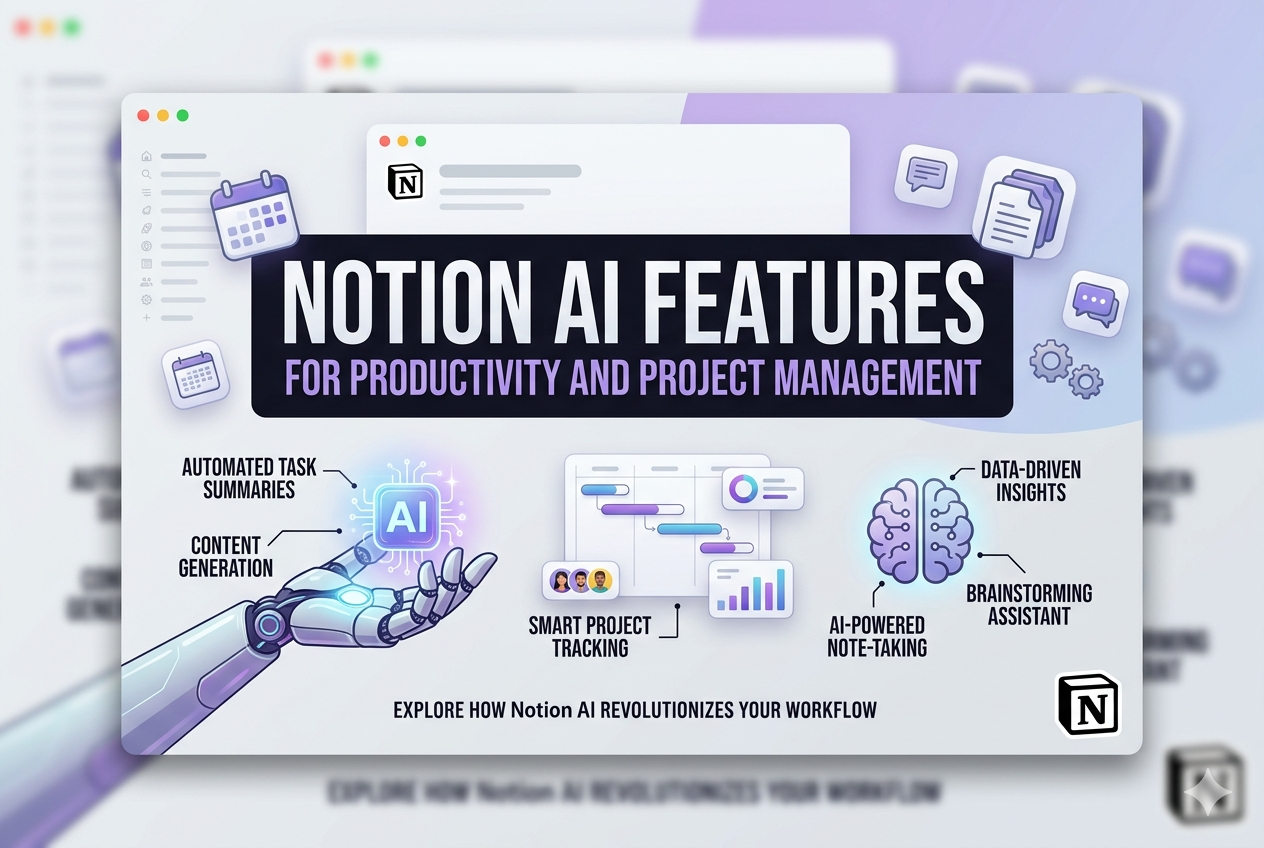
Most of us open ten tabs just to write one email. That’s the mess Notion AI cleans up. It’s a smart assistant embedded in Notion that writes, summarizes, searches, and even runs tasks for you, all without leaving the app. Based on Best AI Project Hub, the handiest Notion AI features fall into three buckets: writing faster, getting more done, and keeping projects on track. So instead of juggling apps or glaring at a blank page, you get one helper that knows your stuff. Here’s the honest rundown of what it does.
Key Points
- Notion AI works inside your own workspace, reading your notes and data.
- It writes, edits, summarizes, and cleans up grammar in seconds.
- AI Agents can chew through multi-step tasks on their own, 24/7.
- It runs on top models like GPT-5, Claude Opus, and Gemini, picking the right one for the job.
- You get a small free trial. Full power kicks in on paid plans.
What Actually Makes Notion AI Special?
One word: context. Think about a normal chatbot — you copy something, paste it in, then explain the backstory before it gets a clue. Notion AI skips all that. It already knows your pages, tasks, and databases.
Ask it to sum up a project, and it reads your project — not some generic version. That’s the whole game, and it’s why north of 100 million people lean on Notion daily.
Notion AI Writing
We’ve all stared at that blinking cursor, right? The Notion AI writing tools quietly kill that dread. Toss it a rough idea, and a decent first draft shows up in seconds. Then you shape it to sound like you. AI for Academics points out that It is good at:
- First drafts — emails, blog posts, captions, whatever you need.
- Brainstorming — it throws ideas at the wall when yours run dry.
- Tone shifts — go casual, formal, or cheeky in a click.
- Grammar cleanup — tidy copy, no squinting.
- Translation — flip between languages on the spot.
- Summaries — crush long notes into a few clear lines.
One tip from experience: be specific. “Write a caption” gives you mush. “Write a fun coffee-launch caption with two hashtags” gives you something you’ll actually use.
Notion AI for Productivity
This is where it earns its keep. Of all the AI productivity tools out there, Notion stands out for one reason — it works on your content, not a blank slate. It doesn’t just chat; it rolls up its sleeves. According to The Digital Project Manager, it saves you real time:
- Instant summaries — a wall of text becomes a tidy list, fast.
- Quick answers — ask a question, get a reply pulled from your workspace.
- Database Autofill — let it tag, sort, and fill in fields for you.
- AI Meeting Notes — record the call, walk away with clean notes and to-dos.
For AI note-taking, this genuinely changes the game. Those messy meeting scribbles turn into neat, searchable notes, so nothing slips through the cracks. The faintest ink, as they say, beats the sharpest memory — and Notion makes that ink effortless.
Notion AI for Project Management
Projects go sideways when info is scattered across five places. Notion AI gathers it in one spot so nothing gets lost. Project managers feel this most — they burn hours hunting for updates and writing status reports. Notion AI lifts that weight:
- AI Agents handle multi-step jobs, like building a weekly report from your database.
- Auto-summaries turn raw project data into updates your team will actually read.
- Smart tagging sorts and labels tasks for you, no busywork.
- Enterprise Search digs through Notion, Slack, Google Drive, GitHub, and Jira to surface decisions buried weeks ago.
What About the Price?
Shadhin Labs reports that:
- Free — a small AI trial (about 20 responses).
- Plus ($10/month) — solid for solo users and light teamwork.
- Business ($20/user/month) — unlocks the full AI suite and AI Agents.
- Enterprise — adds tighter security and admin controls for big teams.
If you already live in Notion, the saved time usually covers the cost.
The Bottom Line
Notion AI isn’t a gimmick bolted on for show. It’s a real working layer that writes, organizes, and thinks right beside you. It beats the blank page, tames your notes, and keeps projects rolling — all inside the workspace you already open every morning. One tool that handles writing, productivity, and project management is tough to beat in 2026.
Frequently Asked Questions (FAQs)
- What are the main Notion AI features?
Ans: The big ones are writing help, instant summaries, Q&A about your workspace, database autofill, AI meeting notes, and AI Agents that run tasks. It all works inside Notion, using your own content. - Is Notion AI free to use?
Ans: You get a free trial with roughly 20 AI responses. For full, unlimited access, you’ll want the Business plan, which unlocks AI Agents plus the writing and search features. - How is Notion AI different from ChatGPT?
Ans: It comes down to context. ChatGPT needs you to paste your info in first. Notion AI already reads your notes, tasks, and databases, so its answers are based on your real work. - Can Notion AI help with project management?
Ans: Yes, and it shines here. It writes status updates, auto-tags tasks, summarizes project data, and uses AI Agents to handle multi-step work to save managers hours every week. - Which AI models does Notion AI use?
Ans: It runs on leading models like GPT-5, Claude Opus, and Gemini. It picks the best one for each task on its own, while business users can also pick their preferred model.
Sources & References:
- The Digital Project Manager – Notion AI Features: 9 Ways to Boost Your Productivity
- Best AI Project Hub – Notion AI Overview and Features: A Comprehensive Guide for Project & Product Management in 2025
- AI for Academics – Boost Your Research Productivity with Notion AI: The Ultimate Organizational Tool for Academics
- Shadin Lab – Notion AI Explained: Features, Benefits, Pricing, Templates & How to Use It Effectively (2025 Guide)
